
Lead tracking tools: free vs paid — which one should you choose?
Excel, Notion, HubSpot Free, or a dedicated paid tool? An honest comparison to help you decide.
The real question isn't the price
"Is a paid tracking tool actually worth it?" If you're asking that question, you're probably looking at the wrong number. $19 or $25 a month isn't where the game is played. The game is the $800 deal you let go cold last month because its follow-up wasn't written down anywhere.
A tracking tool doesn't sell you features: it sells you follow-ups made at the right time. The study "The Short Life of Online Sales Leads" (Harvard Business Review, 1.25 million leads analyzed) measured it: contacting a lead within the hour makes you 7 times more likely to qualify it. So the real question isn't "free or paid?" — it's "which system actually gets me to follow up?". Sometimes the answer is free. Sometimes it isn't.
You can put a number on your own situation in 30 seconds with our ROI calculator.
The free options, reviewed
Excel / Google Sheets — flexible, free, and you already know the tool. You set up your columns (name, stage, amount, follow-up date) and it works… as long as you stay under 15-20 leads. Beyond that, you're scanning the file line by line every morning, nothing warns you when a date slips by, and one bad sort can silently erase a follow-up. We covered the mechanics in why spreadsheets stop being enough.
Notion / Trello — more visual thanks to Kanban boards, pleasant for organizing. But no native automatic reminders, no "follow up today" view, and every update is manual. These tools were designed to organize work, not to drive dated follow-ups.
HubSpot Free — the most powerful of the free options, and that's precisely the trap: dense interface, long setup for a simple pipeline, and the features you actually want (sequences, reminders) live in the paid plans. Free at the door, paid as soon as it gets useful.
None of these tools is bad. They were just designed for something other than your morning question: "who do I follow up with today?".
What free actually costs you
Free is paid for in time and misses. Run the numbers on your own case:
- Scanning time: 10 minutes a day combing through your spreadsheet to rebuild your follow-up list is roughly 40 hours a year. Price them at your hourly rate.
- The misses: if one missed follow-up costs you just one $500 deal per quarter, that's $2,000 a year — against $228 for a $19/month tool. It's an example to adapt to your own numbers, which is exactly what our ROI calculator is for.
- The mental load: keeping 30 deal contexts in your head has an invisible cost. You think about it at night, you second-guess ("did I follow up with Sarah or not?"), you procrastinate follow-ups because the list is never clear.
A free spreadsheet with three missed follow-ups a month is the most expensive tool you'll ever use.
When free is (genuinely) enough
Let's be honest: a paid tool isn't always justified.
- You have fewer than 10 active leads. Your memory and a clean spreadsheet are probably still enough.
- You're starting out and every dollar counts. Start free, structure your file well (one row per lead, a "next action date" column, a daily sort) and go paid when the misses start.
- Your sales cycle is ultra short — deals closed in one call, no follow-up: a follow-up tool won't bring you much.
If that's you, keep your spreadsheet — and come back to this article the day you miss your first important follow-up.
The 4 signals it's time to go paid
- You're managing more than 15-20 leads at once. Manual scanning doesn't scale.
- You forgot at least one follow-up this month. A single one often pays for years of subscription.
- You waste time hunting for context ("what did we say again?") before every follow-up.
- You want reminders that come to you — an email in the morning with your list, instead of having to remember.
Two signals out of four? You're already losing more than the price of a subscription.
How to choose your paid tool
Not all paid tools are equal for a solo or a small team. The criteria that matter:
- A "today" view: the tool must answer your morning question in 3 seconds.
- Automatic reminders: daily email, overdue alerts.
- Simplicity: if onboarding takes more than 15 minutes, you won't be using it a month from now.
- The pricing model: beware of "per user" pricing that triples a small team's bill.
We compared HubSpot, Pipedrive, noCRM, Notion, Excel and Axoloti in detail — prices checked in July 2026 — in our freelance CRM comparison 2026.
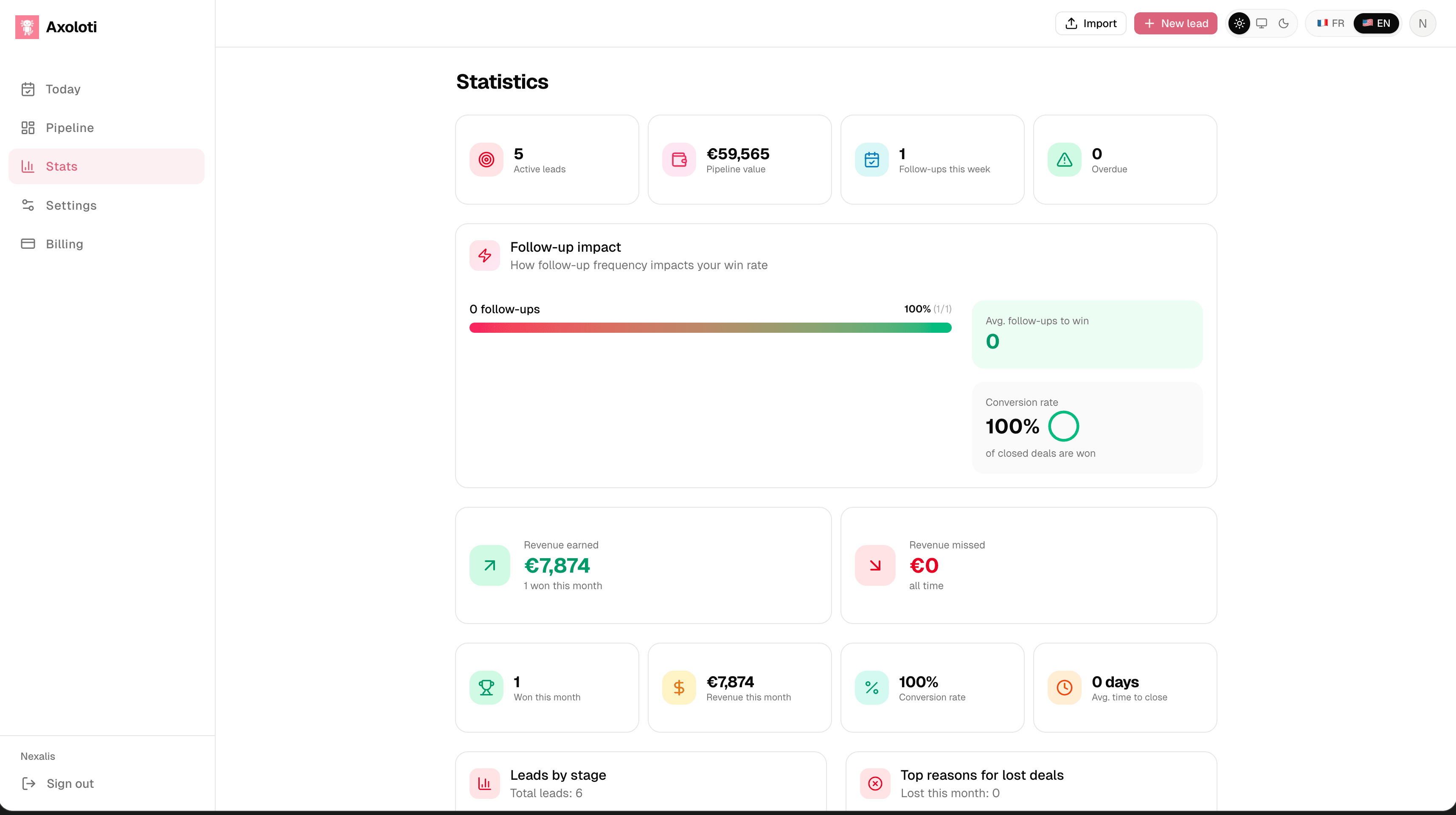
The #1 criterion
The best tool is the one you actually open every morning. A free HubSpot checked once a week is worth less than a $19 tool opened every day — and a paid tool abandoned after three weeks is the worst of both worlds.
Choose simplicity. Choose the tool that tells you "here's who to follow up with today" in 3 seconds. And if you want to verify that a real system changes your results before paying anything, Axoloti is free to try — up to 10 leads, no credit card.
Ready to stop losing deals to forgetfulness?
Get started free — up to 10 leads, no credit card.
Start for free