
Freelance CRM comparison 2026: which tool to choose for lead tracking?
HubSpot, Pipedrive, noCRM, Notion, Excel or Axoloti? Honest comparison of lead management tools for freelancers and small teams.
Why do freelancers need a CRM?
You don't need a CRM to manage 5 clients. But once you pass 10-15 leads at a time, your memory isn't enough. A tracking tool ensures you never forget, follow up on time, and see where all your deals stand.
The real criteria: the tool you'll actually use every day. Not the one with the most features.
New to the topic? Start with the complete guide to lead tracking — this comparison focuses on choosing the tool.
How we compared (methodology)
Full transparency: Axoloti is our product, so this comparison is inevitably biased. We still held ourselves to two rules.
- Dated prices. All prices below were checked in July 2026 (annual billing, excluding promotions). They change: always verify the vendor's official pricing page before committing.
- One judging criterion: does the tool actually get you to follow up every day? Not the feature count, not the size of the ecosystem. A CRM you don't open earns you nothing.
And if your needs are those of a structured team of 10+ reps (scoring, automated sequences, advanced reporting), this comparison isn't for you: pick HubSpot or Pipedrive and you'll be well served.
HubSpot CRM (free, then it climbs)
Price: free (basic features), Starter from around $15/user/month, then several hundred dollars a month from the Professional plan up.
Strengths: powerful, free to start, complete ecosystem (marketing, support, etc.).
Weaknesses: complex interface, long learning curve, you need 2h to set up a basic pipeline. Useful features (sequences, reminders) are paid.
Verdict: great for marketing teams, overkill for a freelancer who just wants to know who to follow up with.
Pipedrive (~$14-24/user/mo)
Price: plans were renamed in 2025; the entry-level "Lite" plan starts around $14/user/month on annual billing (about $24 monthly), and every plan upgrade raises the bill.
Strengths: excellent visual pipeline, activity-based selling philosophy close to the next-action concept.
Weaknesses: per-user pricing adds up fast in a team, interface loaded with menus, no dedicated Today view.
Verdict: great CRM for structured sales teams. But solo or small team, you pay for features you don't use.
noCRM.io ($12-32/user/mo)
Price: from $12 (Starter) to $32 (Dream Team) per user/month on annual billing; the mid-tier Sales Experts edition is around $20.
Strengths: same philosophy as Axoloti — every lead must have a next action. Effective to-do view.
Weaknesses: per-user billing (expect $60-160/month for a team of 5 depending on the edition), interface more complex than it seems.
Verdict: the most direct competitor. Good product, but per-user billing makes it noticeably more expensive for a small team.
Notion / Trello ($0-10/mo)
Price: free or $8-10/month.
Strengths: flexible, fully customizable, native Kanban boards.
Weaknesses: no automatic reminders, no daily follow-up view, requires lots of discipline and manual configuration.
Verdict: a stopgap solution. Works if you have the discipline to update everything manually. But most people give up after 2 weeks.
Excel / Google Sheets (free)
Price: free.
Strengths: you already know it, flexible, no installation needed.
Weaknesses: no reminders, no visual pipeline, unmanageable beyond 20 leads, no activity history.
Verdict: acceptable to start with 5-10 leads. But once you scale, you lose time and deals.
Axoloti ($19/mo solo, $39/mo team)
Price: $19/month (1 user), $39/month (5 users).
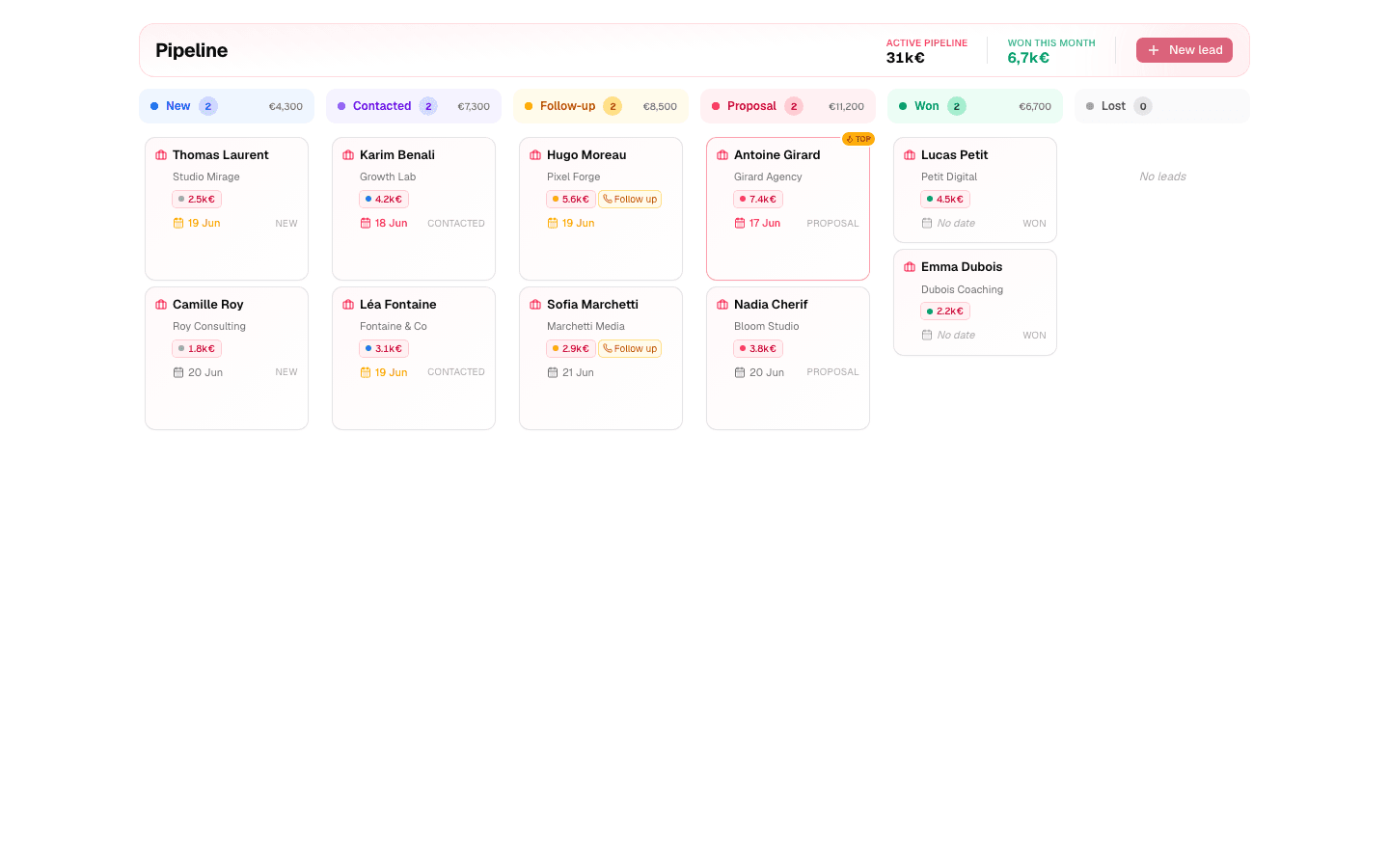
Strengths: ultra simple, dedicated Today view, Kanban pipeline, daily email reminders, 2-minute setup. No training needed.
Weaknesses: fewer advanced features (no built-in email, no sequence automation).
Verdict: built for freelancers, closers and small agencies who want one thing — to never forget a follow-up.
Comparison table
| Tool | Solo price/mo | 5 users/mo | Today view | Email reminders | Simplicity |
|---|---|---|---|---|---|
| HubSpot | Free then ~$15/user | Free then ~$75 | ✗ | Paid | ★★ |
| Pipedrive | ~$14-24/user | ~$70-120 | ✗ | ✗ | ★★★ |
| noCRM | $12-32/user | $60-160 | ✓ | ✗ | ★★★ |
| Notion | $0-10 | $0-50 | ✗ | ✗ | ★★ |
| Excel | Free | Free | ✗ | ✗ | ★★★ |
| Axoloti | $19 | $39 | ✓ | ✓ | ★★★★★ |
Prices checked in July 2026, annual billing, excluding promotions — verify official pricing pages before choosing.
Which tool for your profile?
- Just starting, fewer than 10 active leads: a well-structured spreadsheet is still enough. Switch to a dedicated tool the day you forget your first follow-up (why spreadsheets hit their limits fast).
- Freelancer or closer with 15-100 active leads: a follow-up-focused tool (Axoloti, noCRM). Your priority is the daily view and reminders — not features.
- Small agency of 2-5 people: shared pipeline and lead assignment, while watching per-user pricing — that's where bills explode.
- Structured sales team of 10+: a real CRM (Pipedrive, HubSpot) with automations and reporting. You have the human resources to configure and maintain it.
One last tip: method beats software. How many times to follow up and what to write in your follow-ups will do more for your revenue than any feature. And if you want to put a number on what forgotten follow-ups cost you, use our ROI calculator.
Frequently asked questions
Isn't a free CRM enough?
If you actually use it every day, yes. The problem isn't price, it's usage: free general-purpose tools (HubSpot Free, Notion) require setup and discipline, and most solo users abandon them within weeks. A paid but focused tool pays for itself with the first saved deal.
Can I switch tools later?
Yes. Your lead data is simple (name, contact, stage, notes) and all these tools offer CSV import/export. Don't choose for the next 5 years: choose for your next 6 months.
Full CRM or follow-up tool?
If your main pain is "I forget to follow up," get a follow-up tool. If it's "I need to coordinate 10 reps and marketing," get a full CRM. We detailed the difference in Full CRM vs. follow-up tool.
Ready to stop losing deals to forgetfulness?
Get started free — up to 10 leads, no credit card.
Start for free